Build a shared temperature view
Bring multiple documented monitoring points into the platform for users with appropriate access.

FOR OPERATIONS, FACILITIES & MAINTENANCE TEAMS
Connect selected temperature-sensitive environments to the people responsible for them.
When conditions drift, facilities teams need information they can investigate. Thermologix helps operators view recorded temperatures, set notification limits and review trends at selected monitoring locations. It adds a useful temperature view to the maintenance and response processes already in place.
Plan your facilities monitoring ↗
Facilities managers · maintenance supervisors · operations managers · site-quality teams
VALUE FOR YOUR ORGANISATION
Bring multiple documented monitoring points into the platform for users with appropriate access.
Compare trends with inspection and maintenance records to understand a recurring condition.
Connect notification recipients to an agreed response procedure and backup contact.
WHERE IT CAN FIT
 Illustrative industry scene
Monitor selected zones used for materials with defined storage requirements.
 Illustrative industry scene
Assess locations where ambient temperature is relevant and within the device’s supported conditions.
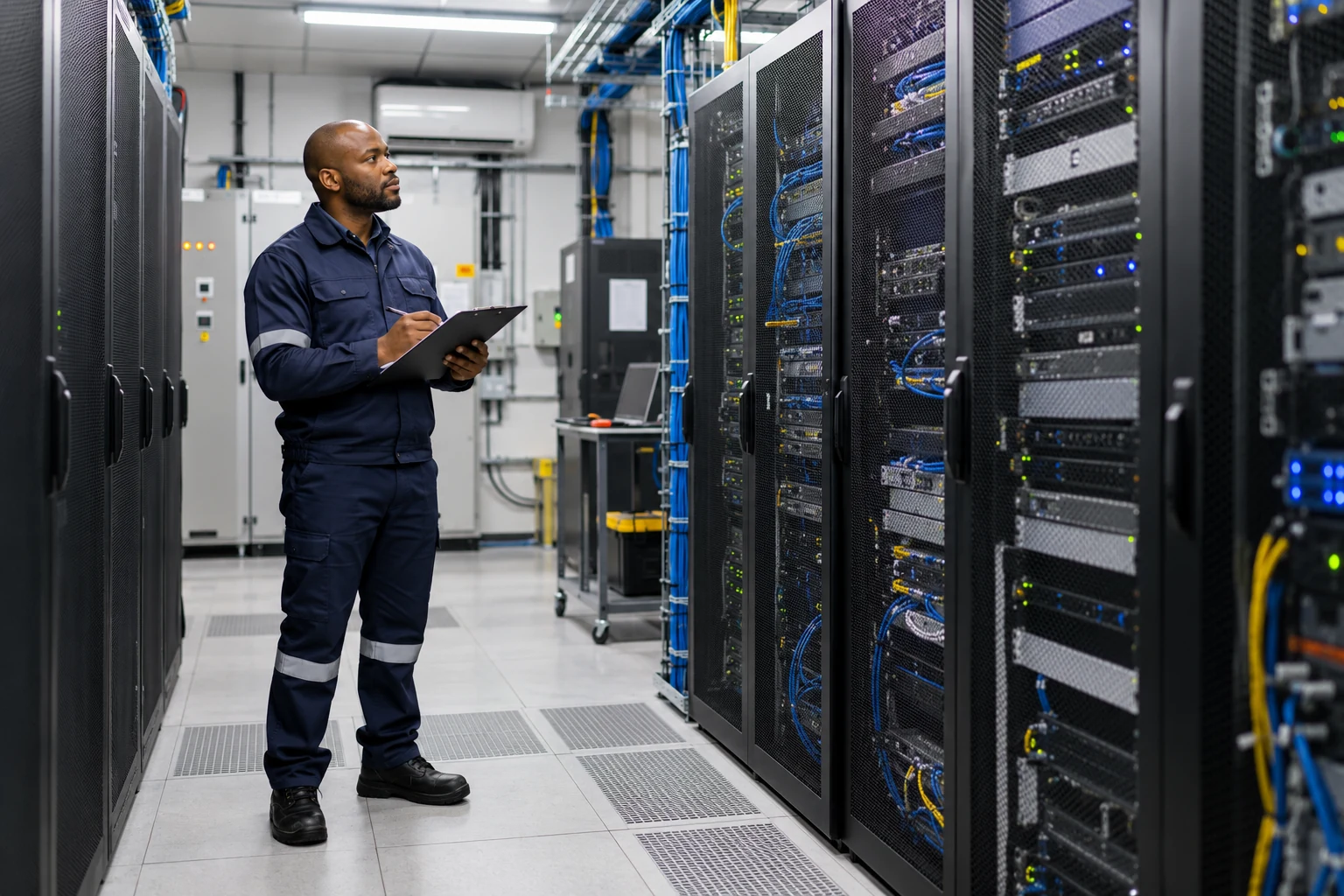 Illustrative industry scene
Use selected ambient readings as supporting information for facilities investigations.
 Illustrative industry scene
Assess a shared monitoring approach with site-by-site connectivity and responsibility checks.
THE RISK OFFICER’S VIEW
Monitoring works best when it is part of a clear operational process.
| Risk to consider | What the data can tell you | What your team owns |
|---|---|---|
| Localised heat or cooling differences | One reading cannot describe every part of a room. | Choose representative positions and evaluate hotspots separately. |
| Harsh environmental exposure | Moisture, vibration or chemicals may exceed device suitability. | Review enclosure and installation requirements before deployment. |
| Confusing temperature with equipment diagnosis | A temperature trend does not directly identify a failed component. | Investigate using appropriate maintenance checks and other available evidence. |
| Notifications without follow-through | A useful signal still needs an accountable person. | Assign responders and keep the investigation in the organisation’s maintenance process. |
HOW IT WORKS IN YOUR OPERATION
Identify the temperature-sensitive area and the decision a reading will support. Check the published operating range, mounting conditions and LoRaWAN coverage. Install at an agreed location, add the device to ThermoCloud and configure limits and recipients. Review recorded conditions alongside the site’s inspection and maintenance routines.
Explore NanoTag & the architecture ↗Illustrative scenario: repeated excursions appear at a monitored storage-room location. The facilities team compares them with usage and maintenance information, investigates potential causes and reviews the readings after taking corrective action. The data helps assess the change; it does not establish a fault diagnosis on its own.
Process example, not a reported client case study.
PLAN THE RIGHT DEPLOYMENT
This is environmental temperature monitoring within the documented NanoTag specifications. Direct machinery-contact measurement, vibration, humidity, air-quality sensing, predictive maintenance and automatic HVAC control are not established capabilities. Safety-critical or extreme-temperature applications need a separate suitability assessment.
YOUR NEXT STEP
Tell us what you monitor. We’ll help you plan the right deployment.