Peel. Attach. Activate.
Adhesive mounting and buttonless rip activation simplify installation. Follow the recommended placement procedure for your application.

NANOTAG / NANO.TMP
Temperature monitoring in a 6.5 g tag.
A slim, adhesive-backed sensor with tear-off activation, designed to send temperature readings over LoRaWAN to the Thermologix management platform.
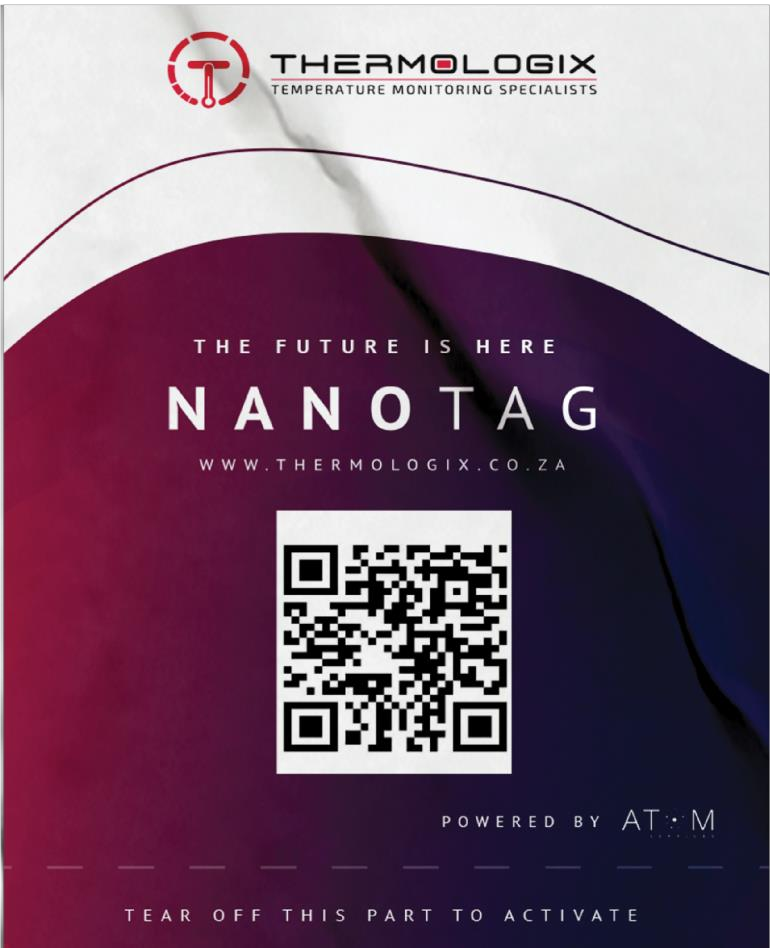 NanoTag product image · supplied brochure
SMALL FORMAT. CONNECTED THINKING.
Adhesive mounting and buttonless rip activation simplify installation. Follow the recommended placement procedure for your application.
LoRaWAN carries device readings to the platform. Site conditions, gateways and network coverage determine connectivity.
Review readings, manage multiple devices, set notifications and download reports through ThermoCloud.
TECHNICAL DETAILS
Specifications from the supplied NANO.TMP product material. Confirm the current device revision, coverage and application requirements when ordering.
Download product brochure ↗DEPLOYMENT CONSIDERATIONS
Assess LoRaWAN availability, gateway needs and obstacles before selecting installation locations.
Choose limits that match the goods, environment and operating procedures you need to monitor.
Discuss calibration certificates, required accuracy and sector-specific evidence before purchasing.
HOW THE SYSTEM WORKS
NanoTag sends temperature readings through LoRaWAN gateways to the Thermologix backend. The platform turns those readings into graphs, events, reports and app notifications.
Install near the point you need to measure. Activate using the tear-off strip. The sensor takes readings at the configured interval.
Nearby gateways receive sensor transmissions. Coverage must be assessed for each site or route; the brochure describes network expansion where there is sufficient demand.
In a standard LoRaWAN deployment, a network server handles gateway traffic before data reaches the application backend. Thermologix’s brochure identifies its backend as the layer that interprets data and creates events, alerts and reports.
Manage devices, review temperature data and receive push notifications about possible excursions. Your team decides how to respond using its operating procedures.
Scanning adds the device to the app. Temperature telemetry travels via LoRaWAN, rather than through the QR code or a continuous phone connection.
The brochures describe backup memory, with a 2,000-sample rolling buffer in the detailed sheet. Confirm how stored readings are retrieved after an outage; automatic backfill is not specified.
The backend generates events and sends app notifications. Fresh readings and alerts depend on device reporting, network coverage and platform availability.
YOUR NEXT STEP
Tell us what you monitor. We’ll help you plan the right deployment.