A wider measurement envelope
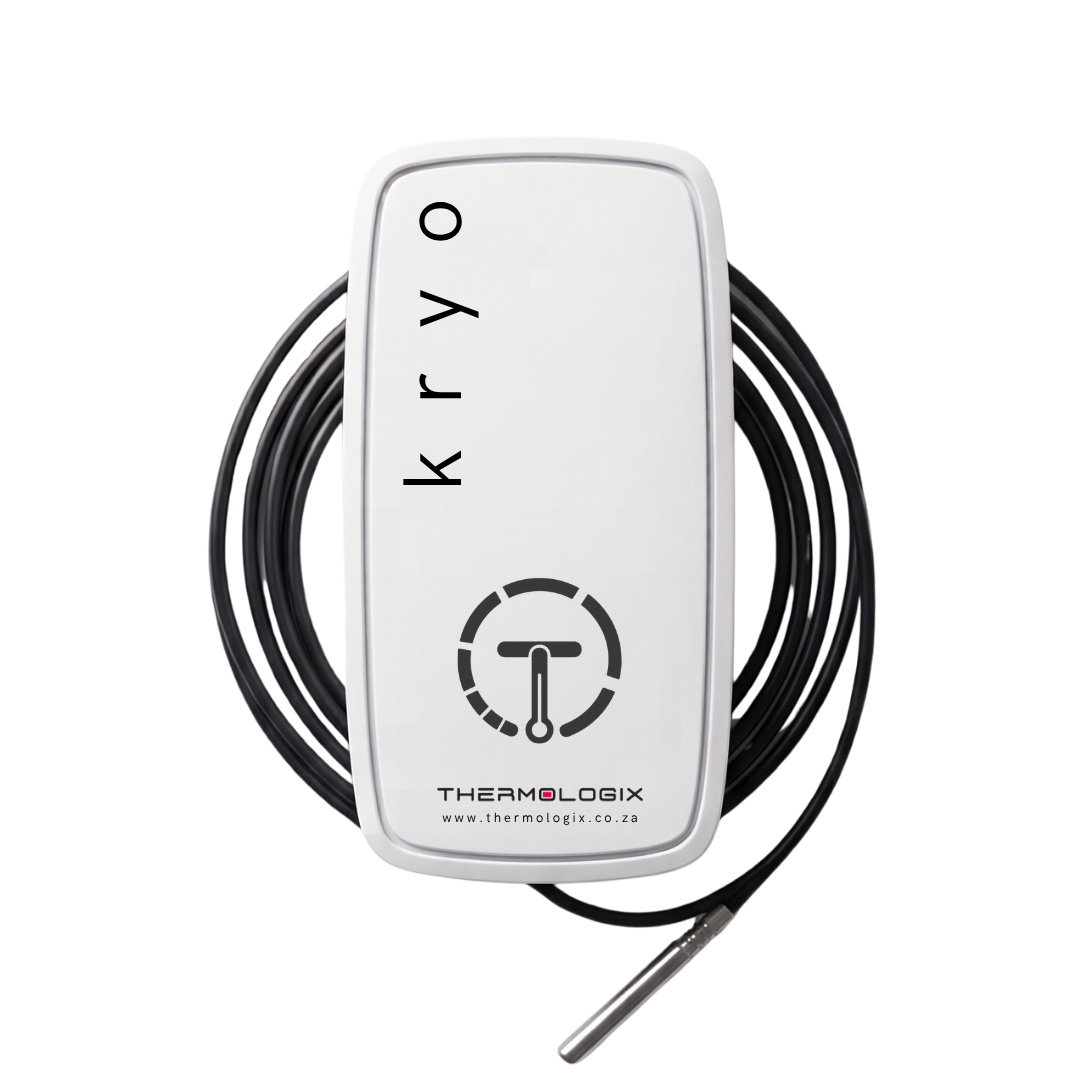
A Pt1000 probe extends monitoring into temperatures beyond everyday environmental sensors.

KRYO / NB-IOT MONITORING
Pt1000 probe monitoring for demanding temperature environments.
Extend temperature visibility into specialist applications. Kryo uses an external Pt1000 probe with a published measurement range from −200°C to +200°C, reporting through NB-IoT to ThermoCloud.
THE OPERATIONAL VALUE
A Pt1000 probe extends monitoring into temperatures beyond everyday environmental sensors.
Separate the probe measurement point from the operating environment of the enclosure and battery.
Use received readings, trends and configured notifications to support your response process.
WHERE KRYO FITS
Discuss monitoring for specialist freezers with the right probe placement, calibration and installation plan.
Give responsible teams a temperature history for selected sample-storage and research environments.
Assess the probe, enclosure placement and calibration required for the operating temperatures you need to measure.
CONNECTED THROUGH NB-IOT
Capture conditions at the selected monitoring point. Sampling settings determine the measurement frequency.
NB-IoT sends data over the cellular network to the Thermologix platform. Reporting depends on coverage and configuration.
Use ThermoCloud graphs, configurable limits, notifications and downloadable reports to review available readings.
Designated people investigate changes and follow your organisation’s operating and quality procedures.
KRYO.TMP / TECHNICAL INFORMATION
Specifications below follow the supplied Thermologix flyer. Select the device revision, configuration and calibration appropriate for your application.
Download Kryo flyerGET THE FIT RIGHT
Sampling and transmission are separate settings. Agree the freshness your process needs; notification timing depends on data delivery and platform configuration.
Confirm enclosure operating limits, mounting and protection requirements. The probe range is not the enclosure operating range.
Discuss calibration scope, required accuracy and the records your quality team needs. Battery life depends on settings and operating conditions.
KRYO + THERMOCLOUD
Tell us what you need to measure, where it is stored and how your team will use the information.
Plan your Kryo deploymentYOUR MONITORING. WITH YOU.
Use the ThermoCloud app to view your connected sensors, check readings and receive temperature alerts on your phone.
You’re offline. Saved information may be out of date. ThermoCloud needs an internet connection.
A new version of Thermologix is available. Finish any enquiry draft before updating.